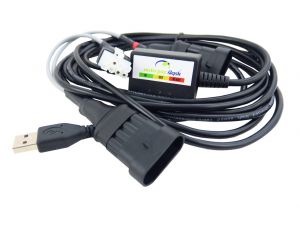
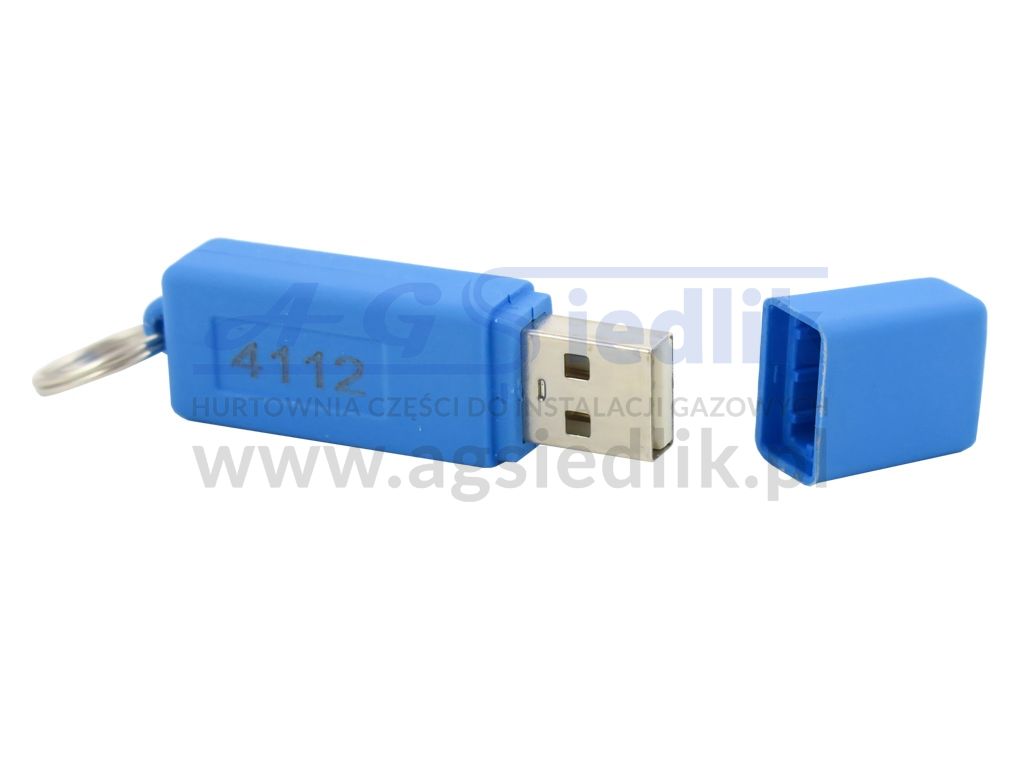
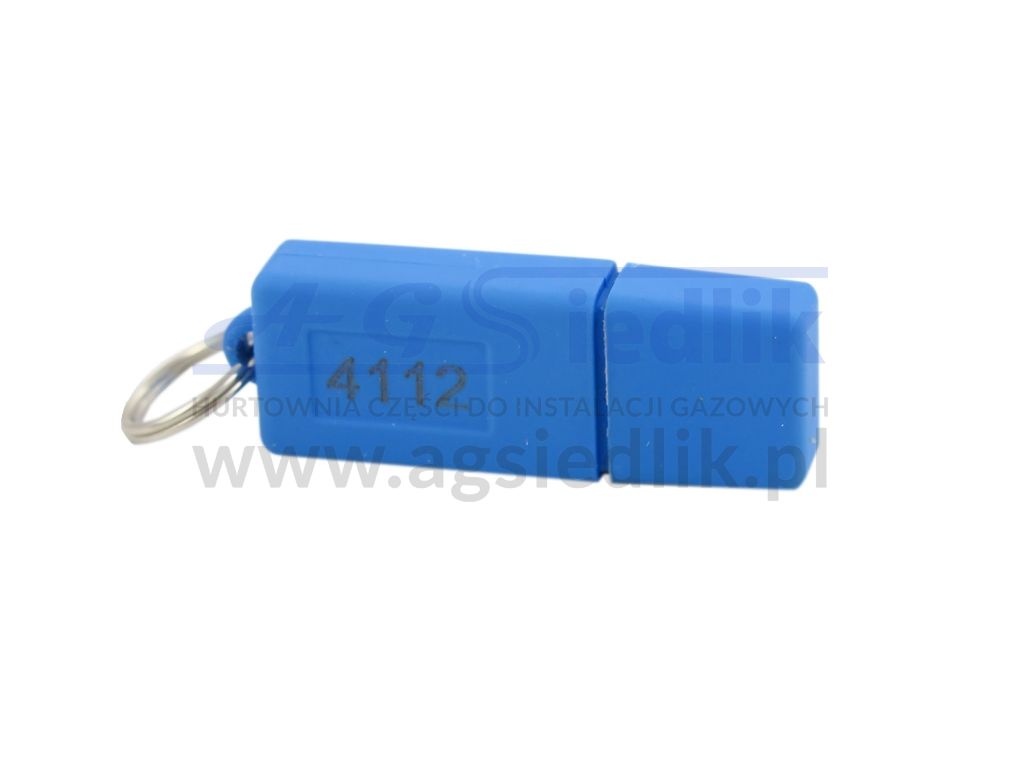
Tartarini EVO 01 USB programming key
| Producer: | TARTARINI |
| Code: | EVO 01 |
| Manufacturer code: | 4823305 |
| Availability: |
not available from the producer
|


Product application
The key enables full diagnostics of TARTARINI system installations.
Key update
File to download -> file
Download it to your disk (top right corner of the browser -> “download” button).
Extract it to a separate folder.
Connect the key to the computer’s USB port.
Run the program “KeyUpdater_TARTARINI 31-12-2026” with the blue icon.
After opening the program, click the lightning symbol. When the date 31/12/2026 appears in the small white window, the key has been successfully updated.
ATTENTION
There is no need to log in or create a Dropbox account. At the bottom of the login window there is an option “or continue downloading”, which allows the file to be downloaded without logging in.
If update errors such as #02 or #11 occur, try performing the update on another computer. These errors indicate a problem with detecting the key, its driver, or a conflict with another license present on the computer.
Programs to download
https://www.dropbox.com/s/h6kxfybk2fdj4xa/Driver_TAU_USB_2.00.00.exe?dl=0
https://www.dropbox.com/s/3gj0elmmlhbjyzz/Setup_Tartarini_SGI_6.50.00.zip?dl=0
https://www.dropbox.com/s/xgeomymy6qgi8jd/software_sequenziale_610.zip?dl=0
https://www.dropbox.com/s/7q0zb23n36b7s71/Setup_Tartarini_FLASH_20170726.exe?dl=0
Be sure to check other models of USB diagnostic interfaces.
The price applies to 1 piece of the product.
Reviews
The reviews has been verified with proof of purchase, ensuring that the author has actually made a purchase at AG Siedlik and is familiar with the product. A request for a review is sent automatically after each transaction.